


Design High-Converting Web and Landing Pages That Drive Sales
Programme Overview
Creating websites has never been easier today. Our step-by-step, hands-on training modules will teach you how to create beautiful, functional websites from scratch, even if you have no prior experience in coding or design.
Learn to design stunning, high-performing websites and landing pages without writing a single line of code.
This comprehensive certification programme combines practical training, advanced web design principles, and conversion rate optimisation strategies to help you create websites that don’t just look great but deliver measurable results.
Now anyone can create a website.
Programme Highlights
- Taught by Web Design Experts: Learn advanced web design concepts and real-world applications from award-winning industry practitioners.
- Practical Hands-On Learning: Apply what you learn through instructor-led training and actionable exercises.
- Up-to-Date Web Design Modules: Stay ahead with the latest design techniques, tools, and modern trends.
Programme Outcomes
By the end of the programme, you will be able to:
- Design visually stunning and high-converting websites and landing pages.
- Build functional WordPress websites customised to business goals.
- Apply CRO techniques to maximise performance and achieve measurable results.
Who Should Enrol in This Programme?
This certification programme is perfect for:
- Digital marketers seeking to create impactful websites and landing pages.
- Entrepreneurs and small business owners aiming to optimise their online presence.
- Web designers and developers wanting to enhance their CRO and UX design skills.
Certification Track
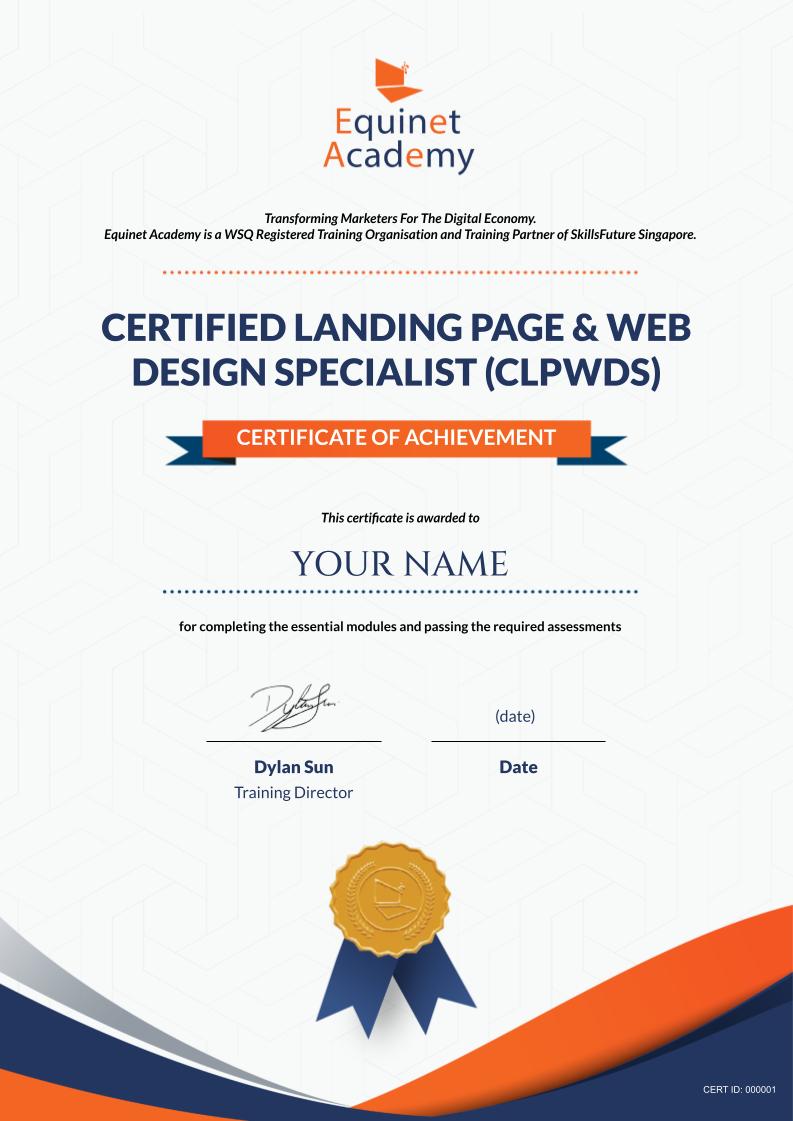
Candidates who have demonstrated competency in the programme will attain WSQ Statement of Attainments (SOAs) awarded by SkillsFuture Singapore and the Certified Landing Page and Web Design Certified Specialist (LPWD) certificate issued by Equinet Academy.
Programme Modules

Landing Page Design
Topics Covered:
- Components of high-performing landing pages.
- Design principles for persuasive and visually appealing pages.
- Analytics for measuring and improving page performance.
Learning Outcome:
By the end of this programme, you will be able to design and optimise landing pages that align with business goals and convert visitors into leads or customers.
WordPress Website & Landing Page Creation
Topics Covered:
- Setting up WordPress and selecting themes.
- Building responsive, mobile-friendly websites.
- Adding plugins for enhanced functionality (e.g., forms, SEO tools).
Learning Outcome:
By the end of this programme, you will be able to build and customise professional-grade websites using WordPress, tailored to your business or client needs.
Conversion Rate Optimisation (CRO)
Topics Covered:
- Conducting user behaviour analysis.
- Designing A/B and multivariate tests.
- Developing data-driven hypotheses for website improvements.
Learning Outcome:
By the end of this programme, you will be able to identify optimisation opportunities and implement strategies that improve website conversion rates.
The Certified Landing Page and Web Design Specialist Programme is structured to ensure you build skills progressively, with each module laying the foundation for the next.
Meet Your Trainers
Expert Guidance from Industry Practitioners
Our trainers bring years of hands-on experience and industry expertise to ensure you gain practical skills that can be applied immediately. They are passionate educators dedicated to helping you achieve success in web design, landing page optimisation, and conversion rate optimisation.


Programme Fees
Module 1: WSQ Landing Page Design
Course Fee: S$388.00 S$264.00
Course Fee After Eligible SSG Subsidies: From S$79.20
Module 2: WordPress Website & Landing Page Creation
Course Fee: S$499.00 S$399.20
Module 3: Conversion Rate Optimisation
Course Fee: S$499.00 S$399.20
Certified Landing Page & Web Design Specialist (CLPWDS)
Nett Programme Fee: S$877.60
Course Schedule
| Learning Mode | Course Dates | Duration | Trainer |
|---|---|---|---|
| In-Person | 21 Aug 2026 to 20 Oct 2026 | 9.00am - 6.00pm |
Multiple TrainersApply Now
|
Click on the course dates above to register online.
Trainee’s Portfolio
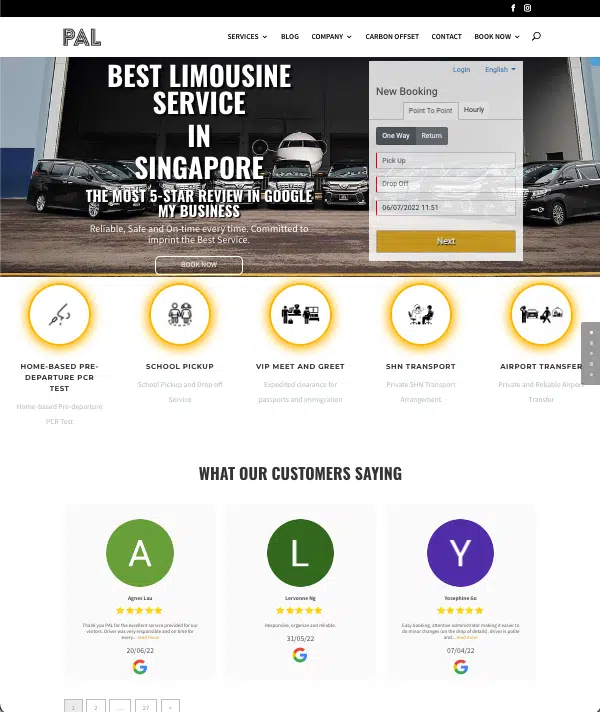
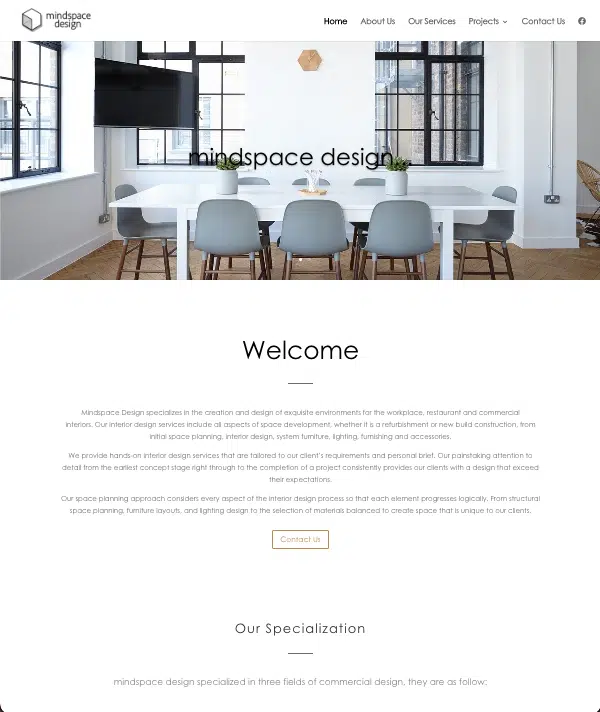
Below are some examples of WordPress websites created by our trainees and websites that you will be able to create by the end of the course.

Frequently Asked Questions (FAQs)
This certification can be completed within 3 weeks, depending on your schedule.
No prior experience is required. This programme is designed to cater to beginners and professionals alike.
Yes, you can enrol in individual modules if you want to upskill in a specific area without completing the certification.
You’ll gain access to lifetime course materials, complimentary refresher sessions, and a community of peers and trainers for ongoing support.
Yes, you may contact your trainer after the course. There are other post-training support channels such as the Equinet Academy Insider Community where you may network with like-minded individuals and industry experts and live Ask Me Anything sessions where you may seek advice from a subject matter expert.